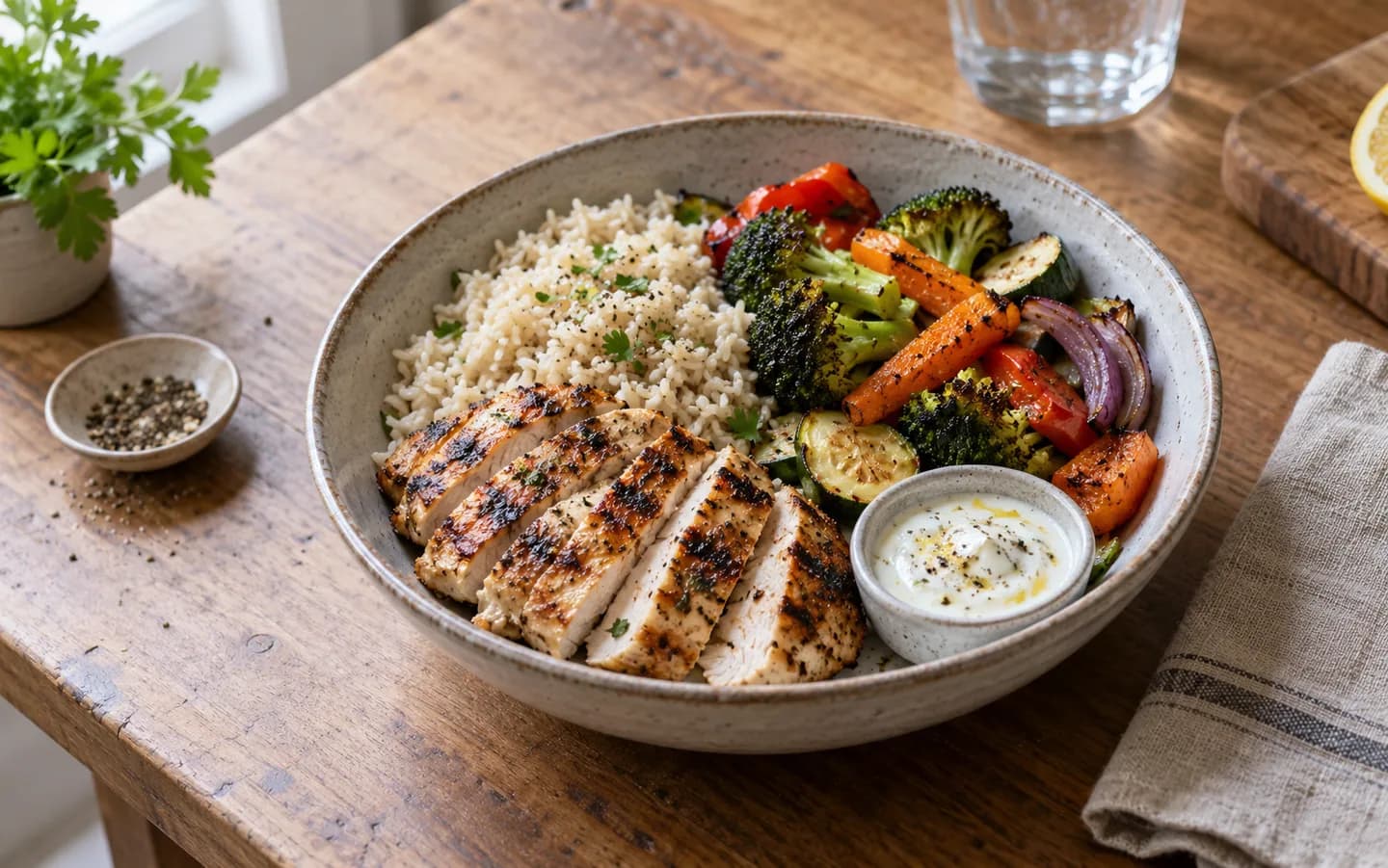
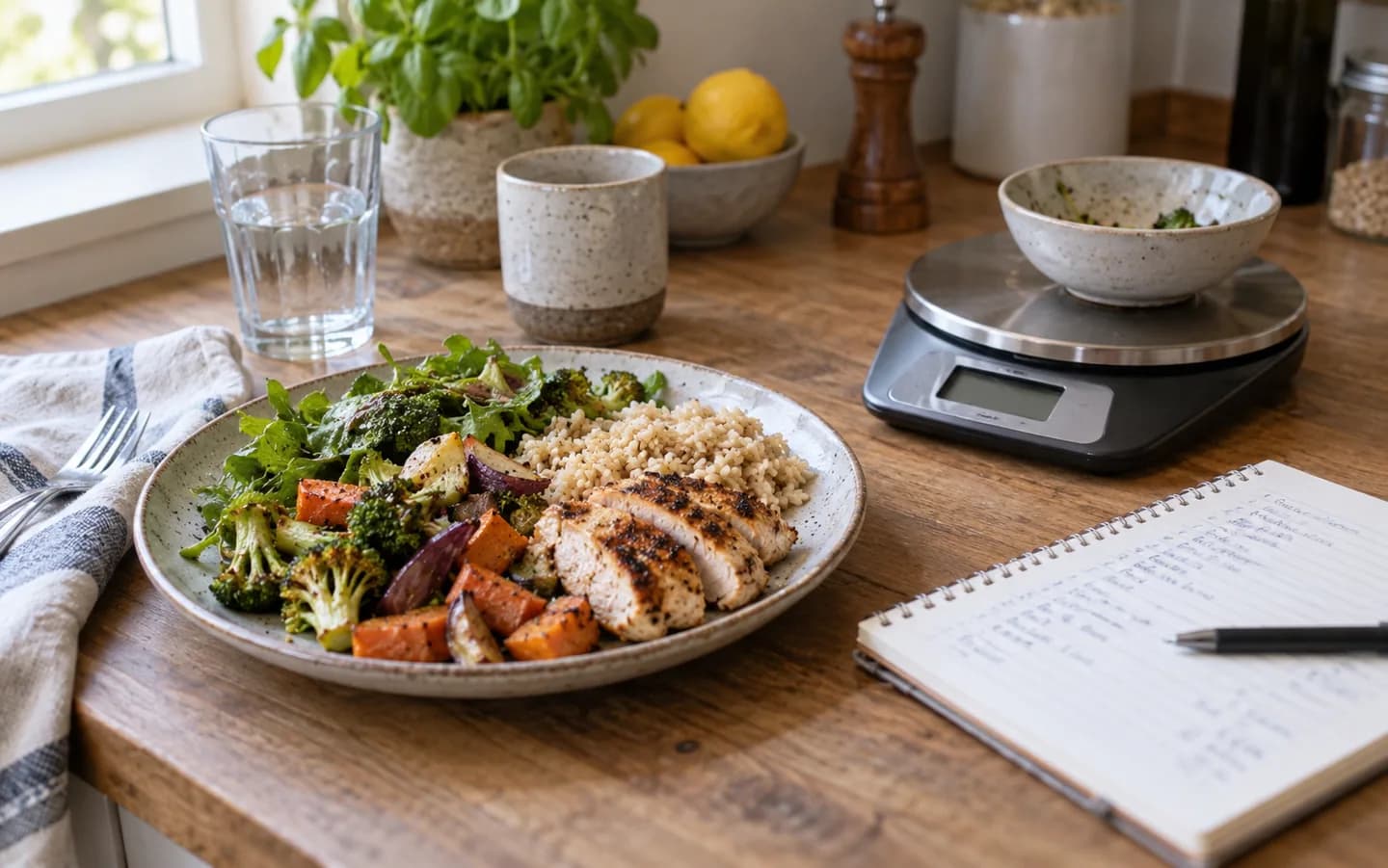
Why BiteCal AI Is Worth Trying as Your Daily Calorie Tracker
What an AI calorie tracker actually does, how BiteCal AI scans meals for calories and macros, who it suits, and why we ask you to double-check every estimate.
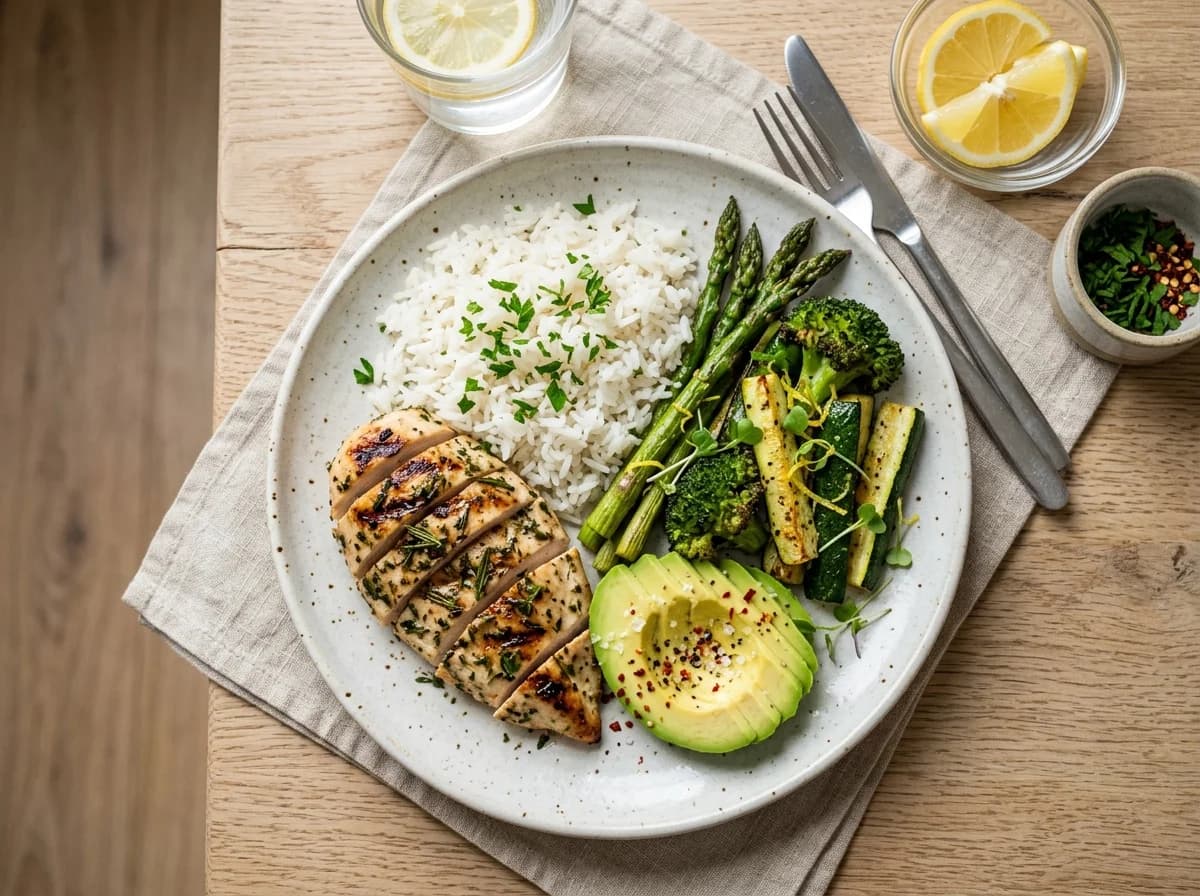
Most people don't quit counting calories because they stop caring. They quit because logging lunch takes longer than eating it. By day four the app is closed, and the food diary is a blank page again.
That is the problem BiteCal AI is built around. It's an AI calorie tracker that starts from a photo of your plate instead of a search box. Below, we'll walk through how it works, what it's good at, where it needs your judgement, and who will get the most out of it. One thing up front: the app isn't published yet, so this is a preview of what we're building, plus the free tools you can use today.
Why most people quit calorie tracking
Ask someone who has tried and stopped, and you hear the same three complaints.
- Searching for every ingredient is slow, especially for dishes with no barcode.
- Guessing portions feels like guessing, so why bother?
- One missed day turns into a missed week.
None of those are about willpower. They're friction. If the effort of logging a meal is higher than the payoff you feel from it, the habit dies. A good calorie tracking app should shrink the effort, and that's the whole pitch of photo-based tracking: point, shoot, review.
What BiteCal AI is (and isn't yet)
BiteCal AI is a calorie and nutrition tracker that turns a meal photo into an estimate of calories, protein, carbohydrates and fat. Around that sits a photo food diary, daily macro targets, a weekly view of how consistent you've been, barcode scanning for packaged food, and a quick way to re-log meals you eat often.
How an AI food scanner reads your meal
Think of the scan as a fast first draft. Roughly, three things happen.
First, the model works out what the foods on your plate probably are: rice, dal, grilled chicken, a salad. Second, it estimates how much of each there is. Third, it combines those guesses with nutrition data to produce calories and macros.
Each of those steps can go wrong in a small way. A photo can't show you the ghee stirred into the dal or the sugar in a drink. That isn't a flaw unique to us; it's the nature of looking at food from above. Our deeper explanation is in how to count calories from a photo, and if you want to judge any app's claims, read how accurate AI calorie trackers really are first.
Calories, protein, carbs and fat in one view
Calories tell you how much you ate. Macros tell you what the food was made of, and for many people that second answer matters more. Someone building muscle cares about protein. Someone managing blood sugar watches carbohydrates. Someone cutting back may simply want to see where the fat is coming from.
BiteCal AI shows all four numbers for each meal and adds them up across the day, so you can see at 4 p.m. that you're 40 g short on protein rather than finding out at midnight. If you don't yet know your daily numbers, the calorie calculator, macro calculator and protein calculator give you a sensible starting point. Think of them as a food calorie calculator for your whole day, with the app handling the meals.
What makes it easy to use every day
A daily calorie tracker only works if you actually open it. A few design choices are aimed squarely at that.
The camera is the entry point
You don't start by typing. You start by taking a photo, which you were probably about to do anyway. The photo also doubles as a diary, so at the end of the week you can scroll back and see what you really ate.
Barcodes for packaged food
When food has a label, a barcode scan is the right tool. The label is more reliable than any visual estimate, so we'd rather you use it.
Re-logging what you always eat
Most of us eat the same dozen meals on rotation. Re-logging a regular breakfast in one tap removes the dullest part of tracking.
A view of consistency, not just numbers
A single day tells you little. The weekly view is there to show whether you're logging regularly, which matters more than any one total. If staying consistent is your sticking point, our guide on tracking calories consistently pairs well with it.
Can you trust an AI calorie counter?
You shouldn't trust any tracker blindly, and we'd be suspicious of one that asks you to. Here's what we think trust should rest on instead.
- Honest limits. We don't publish an accuracy percentage, because we haven't run the kind of study that would back one up. If you see a flat number from any app, ask what it measures.
- Visible reasoning. Our calculators state their assumptions, and our guides link to sources like the FDA, NHS and NIDDK.
- Your correction wins. If the scan says one serving and you ate two, you should be able to fix it. An estimate you can't edit is just a guess with a nice interface.
- Clear data rules. Read the privacy policy and see how account and data deletion works before you hand any app your meal photos.
That last point is worth repeating for anyone with a medical condition, a history of disordered eating, or a strict clinical target. Use an app like this as a convenience, and bring a registered dietitian into the loop for decisions that matter.
Who BiteCal AI suits best
People managing their weight
If you're trying to lose or maintain weight, the hard part is staying honest about what you eat without it taking an hour a day. A quick photo habit is easier to keep than a weighing-everything habit. When progress stalls, our piece on what to check during a plateau shows what to review before you cut calories further.
Fitness enthusiasts
Hitting a protein target is mostly a logging problem. Seeing grams of protein per meal, in real time, makes it easier to adjust dinner instead of regretting breakfast.
Anyone building healthier eating habits
You may not care about a number at all. You might just want to notice patterns: skipped breakfasts, late-night snacks, too few vegetables. A photo diary does that quietly.
People who eat a lot of home-cooked food
This group gets the biggest benefit and the biggest caveat. Mixed dishes are the hardest for any scanner, so use the scan as a draft and check it against a recipe now and then. Our Indian food calorie chart and guide to tracking without a food scale show how.
Start before the app launches
You don't have to wait to build the habit. Here's a simple way to begin this week.
- Work out your daily target with the calorie calculator.
- Split it into protein, carbs and fat with the macro calculator.
- Photograph your meals for a week, even without an app. You'll learn what you eat and whether a photo-first routine suits you.
- Eating out a lot? Read how to track calories at restaurants.
When the app arrives, you'll already have your numbers and a routine to plug it into.
Common questions
Is BiteCal AI a good calorie tracking app for beginners?
It is built for exactly that person. You take a photo, check the result and move on, so you don't need to learn a food database first. Beginners usually quit because logging takes too long, and a photo-first calorie tracking app goes straight at that problem.
How accurate is an AI calorie counter?
Accurate enough to be useful, never exact. A photo can't see the oil in a curry or the filling inside a paratha, so treat every scan as a starting estimate and correct what you know. We don't publish an accuracy percentage for BiteCal AI because we haven't run a study that would justify one.
Can I track calories with AI if I cook Indian food at home?
Yes, and home-cooked meals are where checking the result matters most. Mixed dishes like dal, sabzi and khichdi hide their ingredients. Our Indian food calorie chart shows how to work out a recipe yourself so you can compare it with what the scan says.
Do I still need a food calorie calculator if I use an AI food scanner?
They answer different questions. A scanner estimates what is on your plate. A calculator estimates what your body needs in a day. You want both: the calorie calculator for your target, the scanner for tracking against it.
Is BiteCal AI free, and where can I download it?
The BiteCal AI app isn't published yet, so there is nothing to download today. The calculators and guides on this site are free and live now. When the Google Play listing goes up, the link will appear on our homepage.
What happens to my meal photos?
The privacy policy explains what we collect, which service providers are involved and how long data is kept. Our delete-account page explains how to ask for your data to be removed. Read both before you sign up for any food tracking app, ours included.